
How to import HTML Email Templates & Campaigns
Are you generally tired of manually rebuilding email templates on different platforms, or do you happen to already have several go-to coded templates you prefer to use?
With the internal HTML Email builder, you can effortlessly import your pre-existing email templates securely from various systems. This convenient feature natively saves you time and energy, as you can efficiently manage all your email campaigns in one unified platform while strictly utilizing your historically top-performing designs.
1. Importing HTML for Templates
Section titled “1. Importing HTML for Templates”If you want to formally save an imported HTML structure permanently as an adjustable Email Template:
-
Navigate to Marketing > Emails > Templates.
-
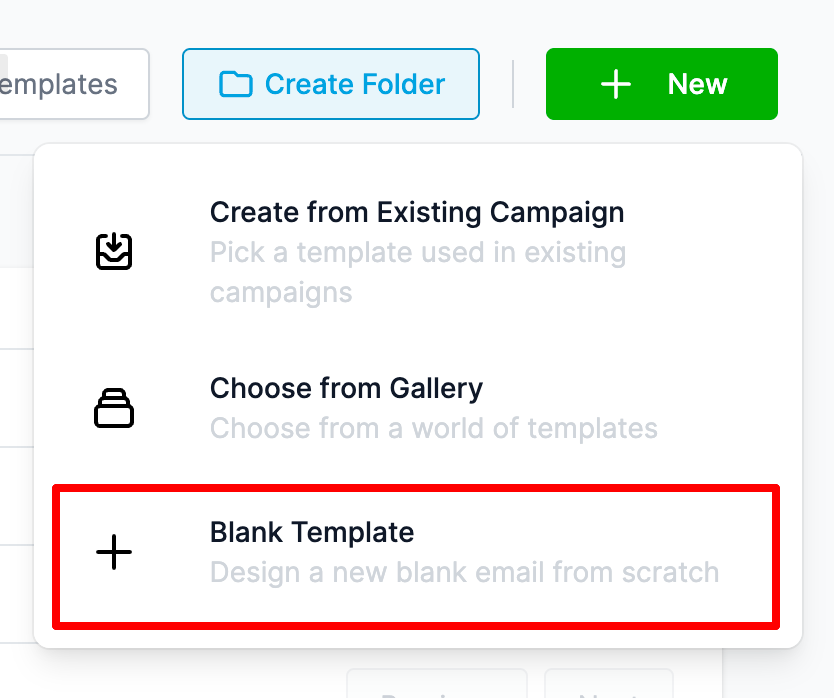
Click the New button prominently positioned on the top right.
-
In the resulting dropdown menu, there are currently 3 options. Select Blank Template from the list.
-
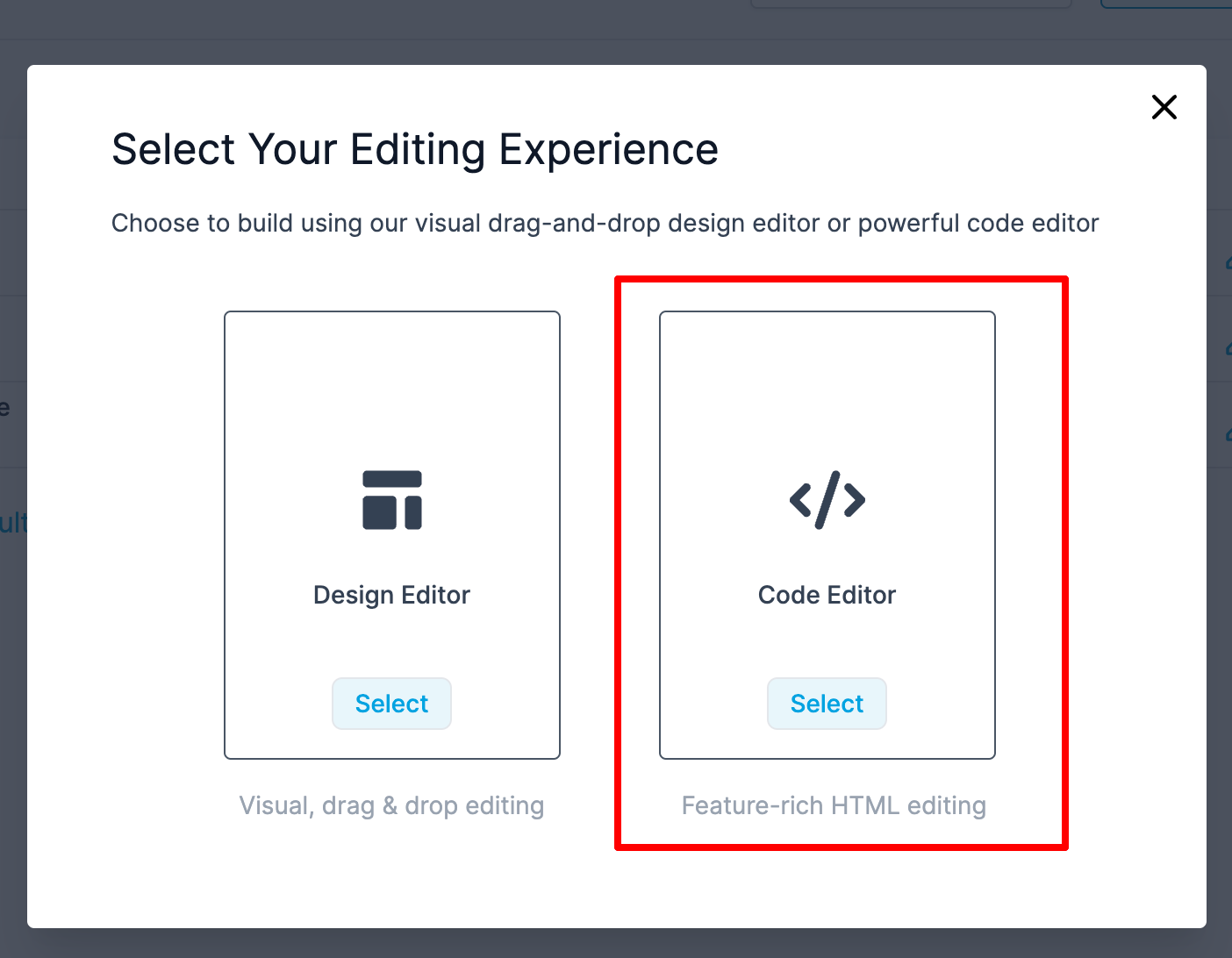
A popup window will safely ask you to choose between the visual Design Editor (drag and drop builder) and the raw Code Editor (HTML builder). Explicitly select the Code Editor option.
-
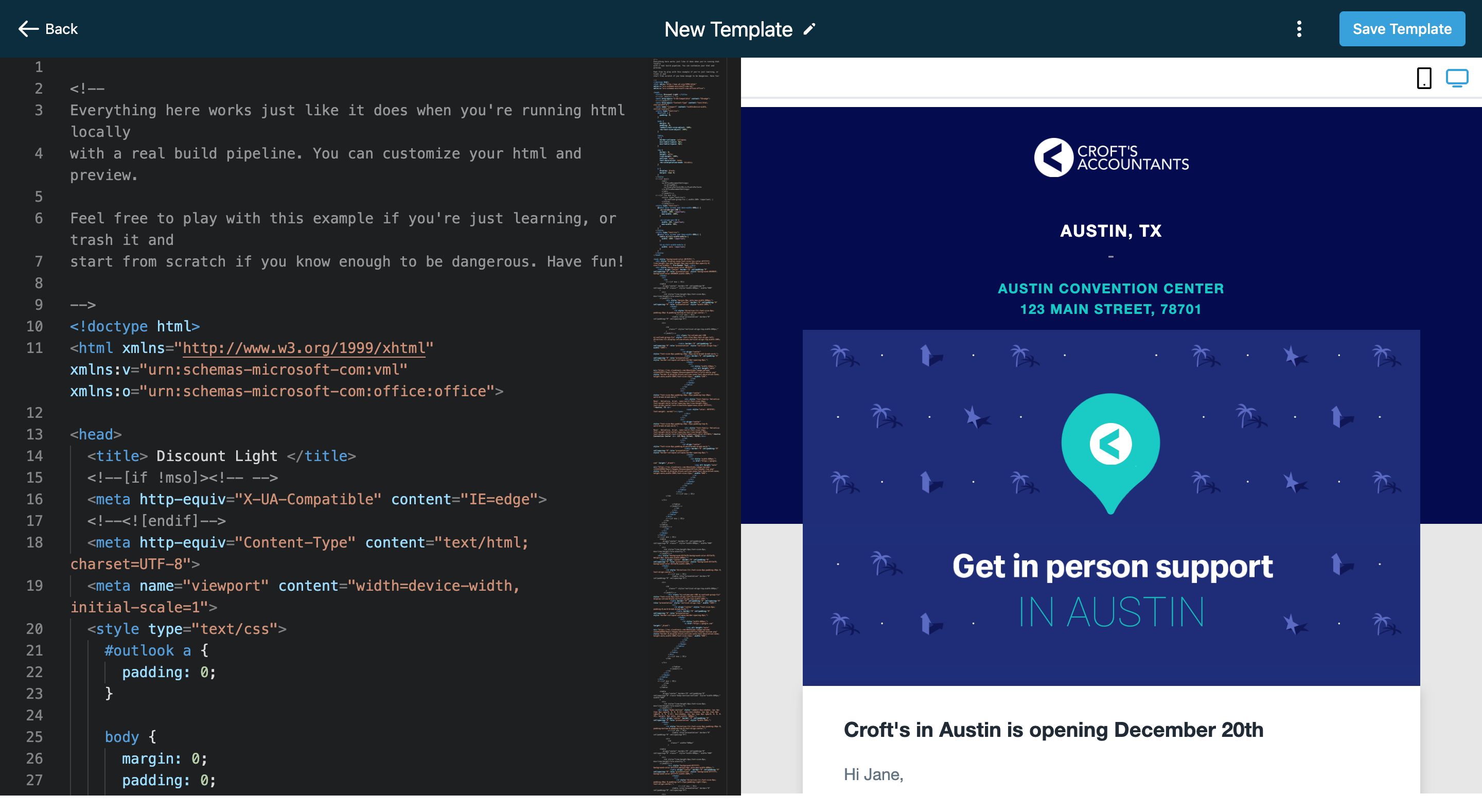
Once the Code Editor reliably opens, simply paste your raw HTML block strictly into the left-side text Editor area to instantly get a live rendering preview on the right.
2. Importing HTML for Campaigns
Section titled “2. Importing HTML for Campaigns”If you selectively want to import an HTML structure solely for a one-off Email Campaign (without explicitly saving it as a master template):
-
Navigate strictly to Marketing > Emails > Campaigns.
-
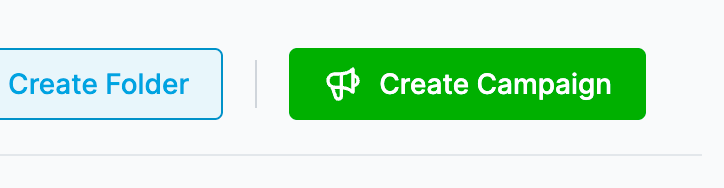
Click the Create Campaign button.
-
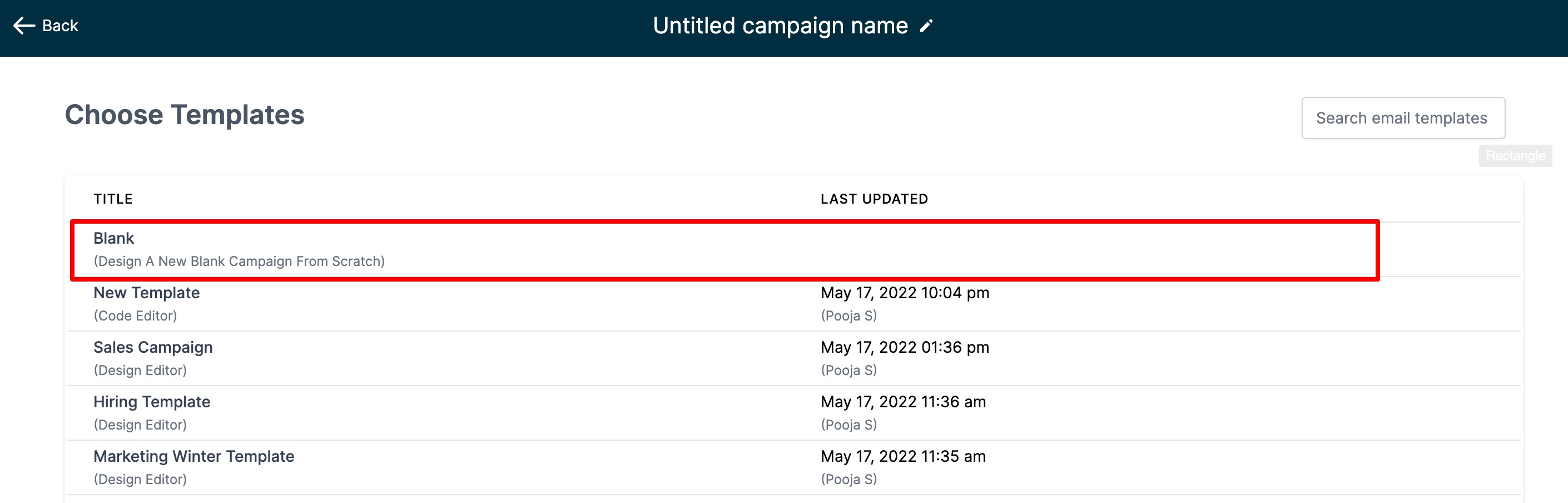
On the resulting screen displaying a list of all existing templates and blank campaigns, explicitly select the Blank Campaign option to proceed forward.
-
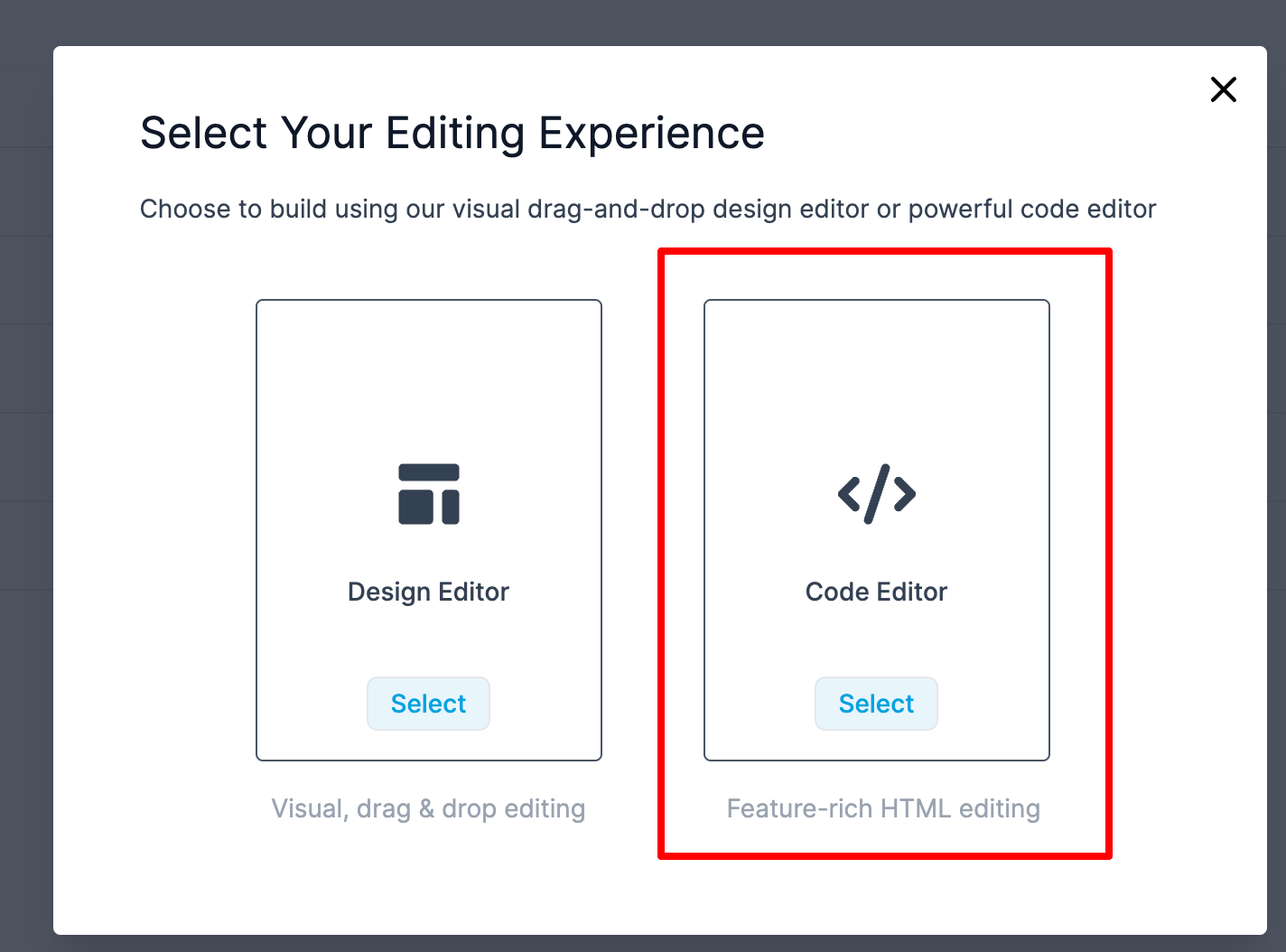
Exactly like the template builder, a popup window will prompt you to safely choose your preferred editor interface. Rigidly select the Code Editor option.
-
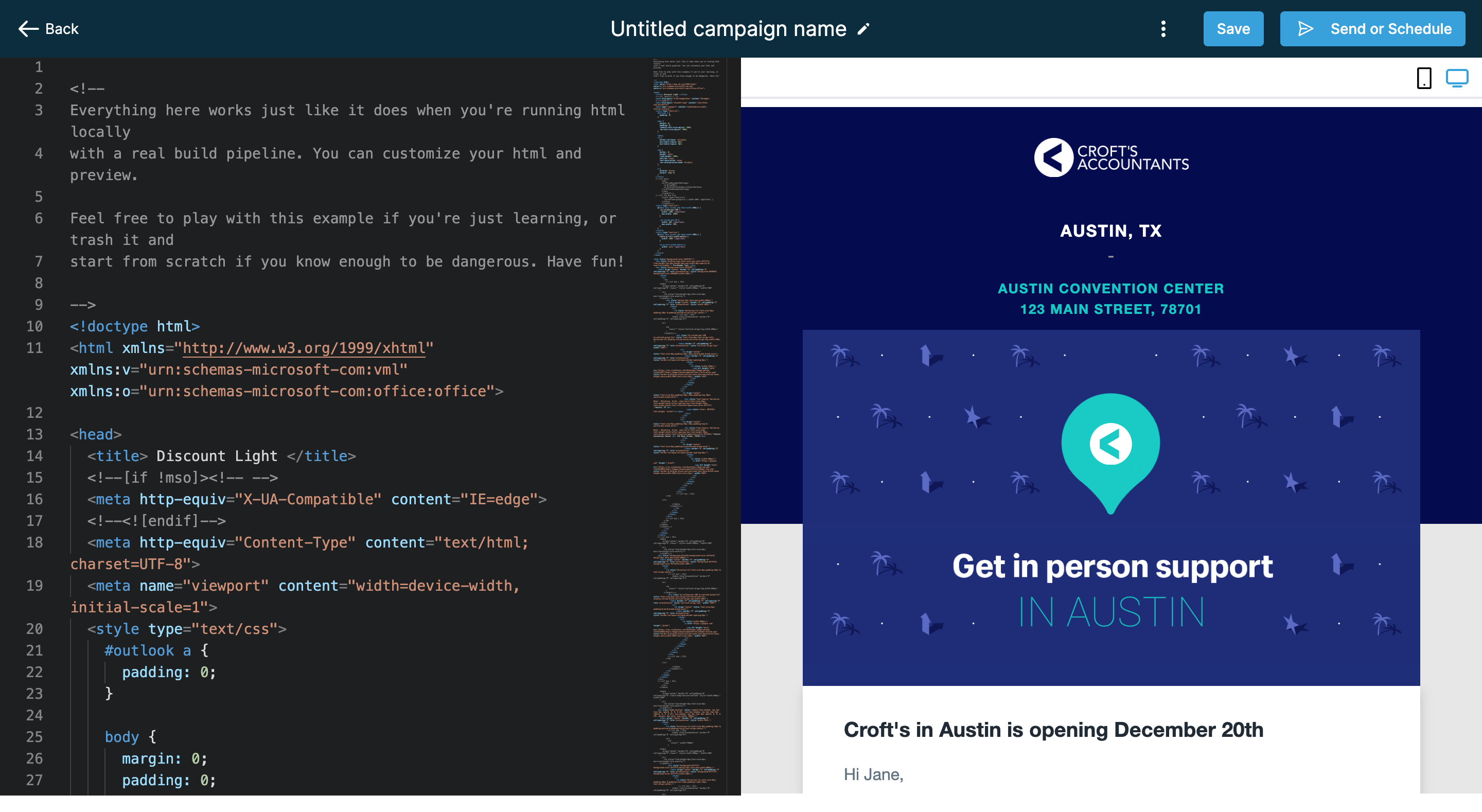
Once the unified Code Editor interface loads, physically paste your custom HTML string right into the core Editor block to immediately retrieve your visual rendering preview and confidently proceed with scheduling out your campaign.