
Show seats per slot for Class booking on the booking widget
The Show seats per slot setting lets you display the remaining number of available seats for each time slot in a Class Booking calendar. This helps users see current capacity before choosing a slot.
Table of Contents
Section titled “Table of Contents”- Overview
- How to Enable Show Seats Per Slot
- How Seat Availability Is Calculated
- How Seats Appear on the Booking Widget
- Important Information
- Frequently Asked Questions
Overview
Section titled “Overview”Class Booking calendars allow multiple attendees to book the same time slot. The Show seats per slot option displays the remaining seats directly on the booking widget.
This helps provide:
- Better visibility into remaining capacity
- Greater transparency for users
- More efficient scheduling for classes and group sessions
How to Enable Show Seats Per Slot
Section titled “How to Enable Show Seats Per Slot”To enable seat visibility on the booking widget:
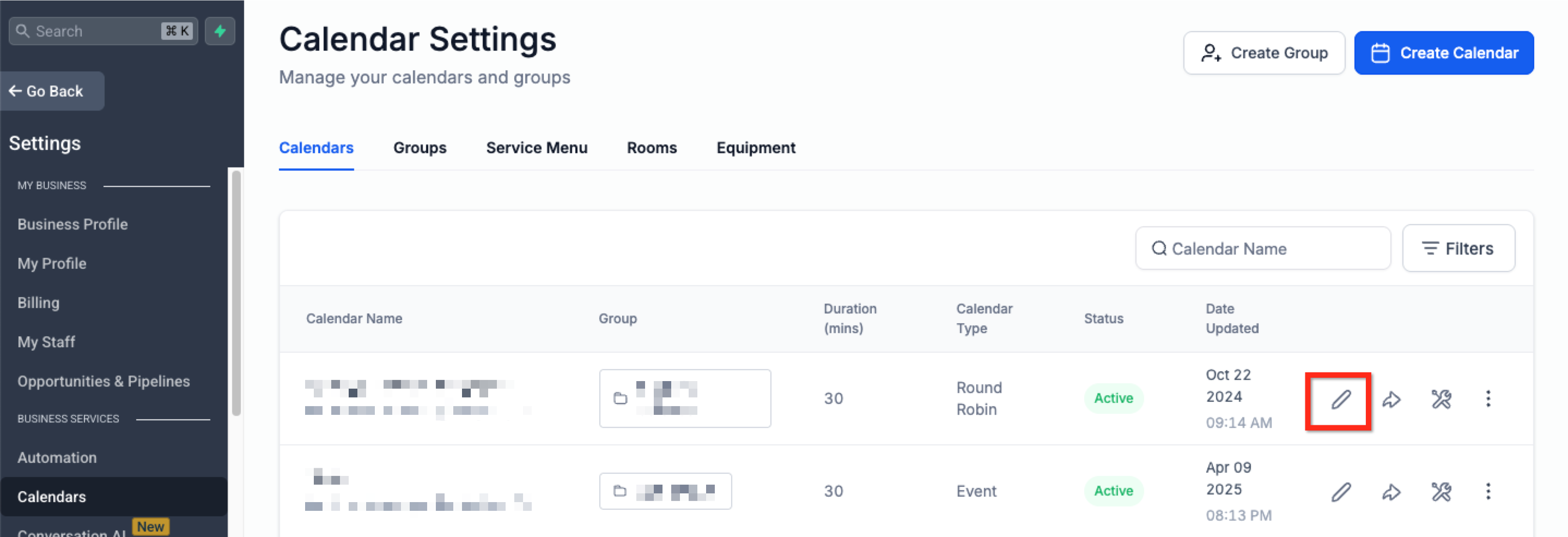
- Open your Class Booking calendar
- Click Edit
- Go to Customizations
- Under Calendar Widget Style, turn on Show seats per slot
- Click Save
How Seat Availability Is Calculated
Section titled “How Seat Availability Is Calculated”Seat availability is based on the Seats per class value configured in the calendar.
With the updated logic:
- Each confirmed appointment reduces seat availability by 1
- If an appointment overlaps multiple slots, only 1 seat is deducted from each affected slot
- A slot is blocked only when the total seat capacity is fully reached
- Overlapping appointments no longer block all related slots too early
This results in more accurate capacity handling.
How Seats Appear on the Booking Widget
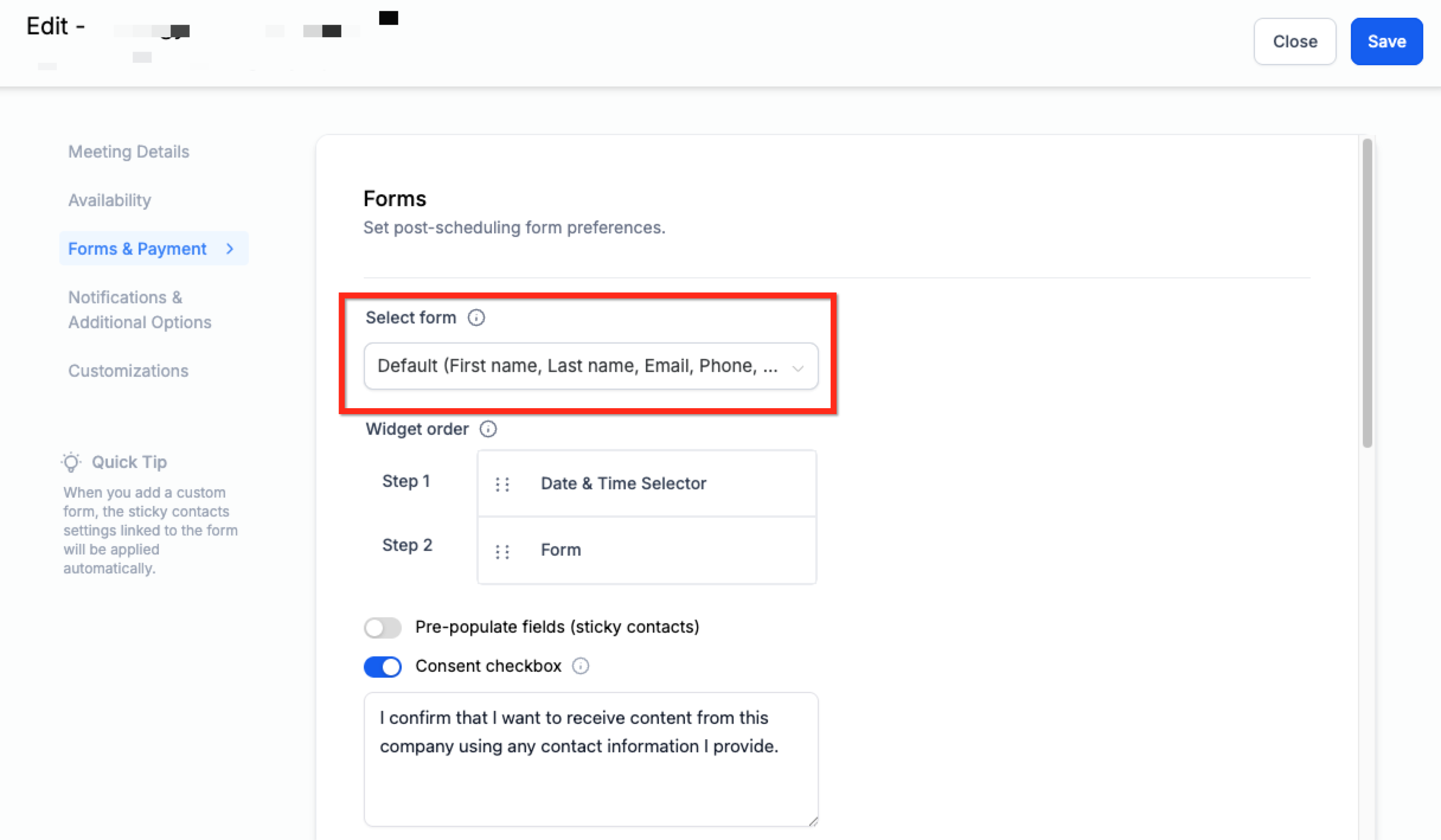
Section titled “How Seats Appear on the Booking Widget”When enabled, the remaining seats for each time slot are shown directly on the booking widget so users can review availability before booking.
Important Information
Section titled “Important Information”- This feature is available only for Class Booking calendars
- The Seats per class setting must be greater than 1
- It works with Neo widgets
- Updated slot-capacity logic applies across:
- Public booking widget
- In-app appointment modal
- Personal calendars
- Round Robin calendars
- Event calendars
Slots remain available until their defined capacity is reached.
Frequently Asked Questions
Section titled “Frequently Asked Questions”Q: What does “Show seats per slot” do?
A: It displays the remaining seat count for each time slot on Class Booking calendars.
Q: How is seat availability calculated?
A: Each confirmed appointment reduces the slot capacity by 1, and the slot is blocked only when its total capacity is reached.
Q: Do overlapping appointments block the full slot?
A: No. They reduce capacity by 1 in each affected slot instead of blocking the whole slot immediately.
Q: Does this work with recurring class bookings?
A: Yes.